










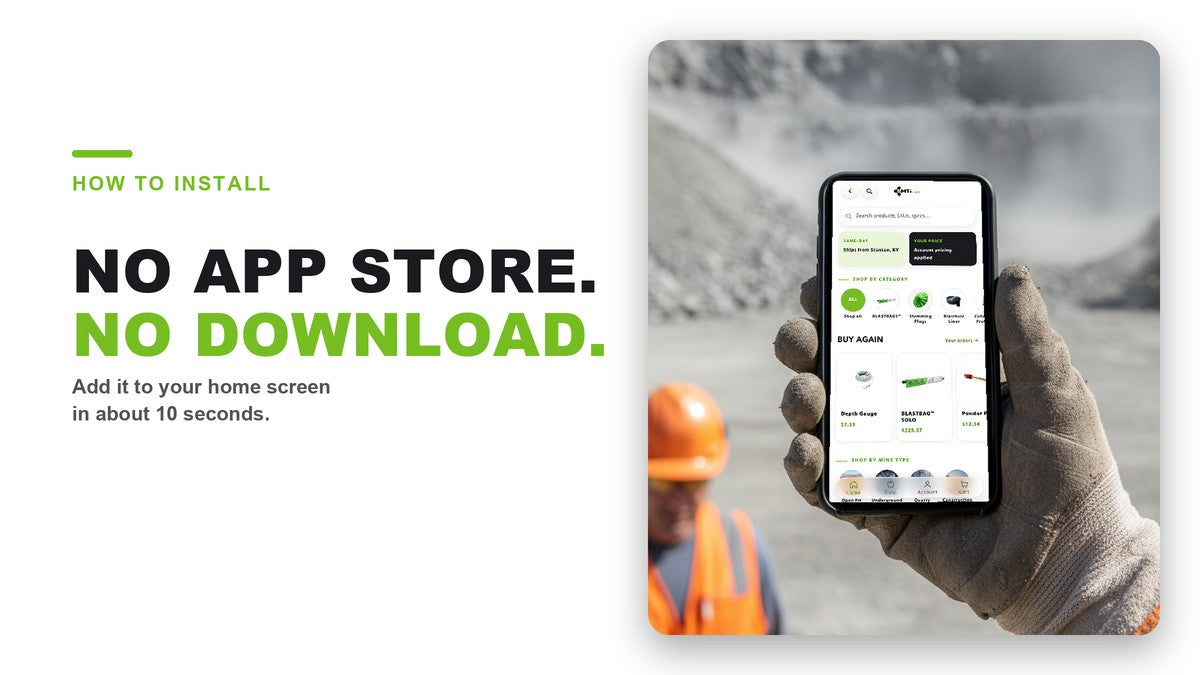
How to Add the MTi App to Your Home Screen
1 min readThe MTi app isn’t in the app store — and that’s on purpose.
No download. No update prompts. No storage hog on your phone. It’s a web app that lives on your home screen and opens like any other app. Adding it takes about 10 seconds. Here’s how.
On an iPhone (Safari)
- Open shop.mtigroup.us in Safari.
- Tap the Share button (the square with the arrow).
- Scroll down and tap Add to Home Screen.
- Tap Add.
On Android (Chrome)
- Open shop.mtigroup.us in Chrome.
- Tap the menu (three dots, top right).
- Tap Install app (or Add to Home screen).
- Tap Install.
What you get once it’s there
- All 400+ blasting accessories, browsable by category
- Your account pricing, the second you sign in
- Reorder in a couple taps — your past orders are right there
- Product specs and SDS on the page
- Same-day shipping from Stanton, KY
Open shop.mtigroup.us on your phone and add it to your home screen. Your supply room goes with you.
